CPS Admin Guide
Regular Maintenance
This section details tasks that an administrator of the CPS application should execute on regular basis to ensure optimum working of CPS.
Dataspace Clean Up
Certain data in the CPS database might not be explicitly removed after it is no longer required (‘orphaned data’). For example, schema sets and their associated unique module resources no longer used by any anchor because of model upgrades. This data would unnecessarily take up space and could eventually affect the performance of the DB if it is not deleted. How often this needs to be done depends on how often schema sets are being deprecated. Typically once per month should suffice.
To remove orphaned data in a given dataspace use the following post request:
http://<cps-component-service-name>:<cps-port>/v2/admin/dataspaces/<dataspace-name>/actions/clean
for example
curl --location --request POST 'http://cps:8080/admin/datsaspaces/bookstore/actions/clean' \
--header 'Content-Type: application/json; charset=utf-8'

Response : HTTP Status 204
For more details refer to the CPS-Core API: CPS Design.
Note
NCMP has no specific maintenance tasks but it will also build up orphaned data when CM Handles get updated and or deleted. To delete this data execute the above procedure for the dataspace named ‘NFP-Operational’.
Logging Configuration
Note
Default logging level of “logging.level.org.onap.cps” is set to “INFO”.
logging:
 level:
     org:
         springframework: INFO
         onap:
             cps: INFO
CPS Log pattern
<pattern>
    {
      "logTimeStamp" : "%timestamp", // 2022-01-28 18:39:17.768
      "logLevel": "%level",   // DEBUG
      "principalId": "%userId",    // cpsuser
      "serviceName": "${springAppName}",  // cps-application
      "message":"%message",  // Execution time ...
      "processId": "${PID}", //11128
      "threadName": "%thread", //tp1901272535-29
      "class": "%logger{40}", .// o.onap.cps.aop.CpsLoggingAspectService
    }
</pattern>
Change logging level
Curl command 1. Check current log level of “logging.level.org.onap.cps” if it is set to it’s default value (INFO)
curl --location --request GET 'http://{cps-service-name:cps-port}/actuator/loggers/org.onap.cps' \
--header 'Content-Type: application/json; charset=utf-8'

Response body : HTTP Status 200

{
    "configuredLevel": "INFO",
    "effectiveLevel": "INFO"
}
Curl command 2. Change logging level of “logging.level.org.onap.cps” to “DEBUG”
Note
Below-mentioned endpoint will change the log level at runtime. After executing the curl command “effectiveLevel” will set and applied immediately without restarting CPS service.
curl --location --request POST 'http://{cps-service-name:cps-port}/actuator/loggers/org.onap.cps' \
--header 'Content-Type: application/json; charset=utf-8' \
--data-raw '{
                "configuredLevel": "DEBUG"
            }'

Response body : HTTP Status 204
Curl command 3. Verify if log level of “logging.level.org.onap.cps” is changed from ‘INFO’ to ‘DEBUG’
curl --location --request GET 'http://{cps-service-name:cps-port}/actuator/loggers/org.onap.cps' \
--header 'Content-Type: application/json; charset=utf-8'

Response body : HTTP Status 200

{
"configuredLevel": "DEBUG",
"effectiveLevel": "DEBUG"
}
Location of log files
By default, Spring Boot will only log to the console and will not write log files.
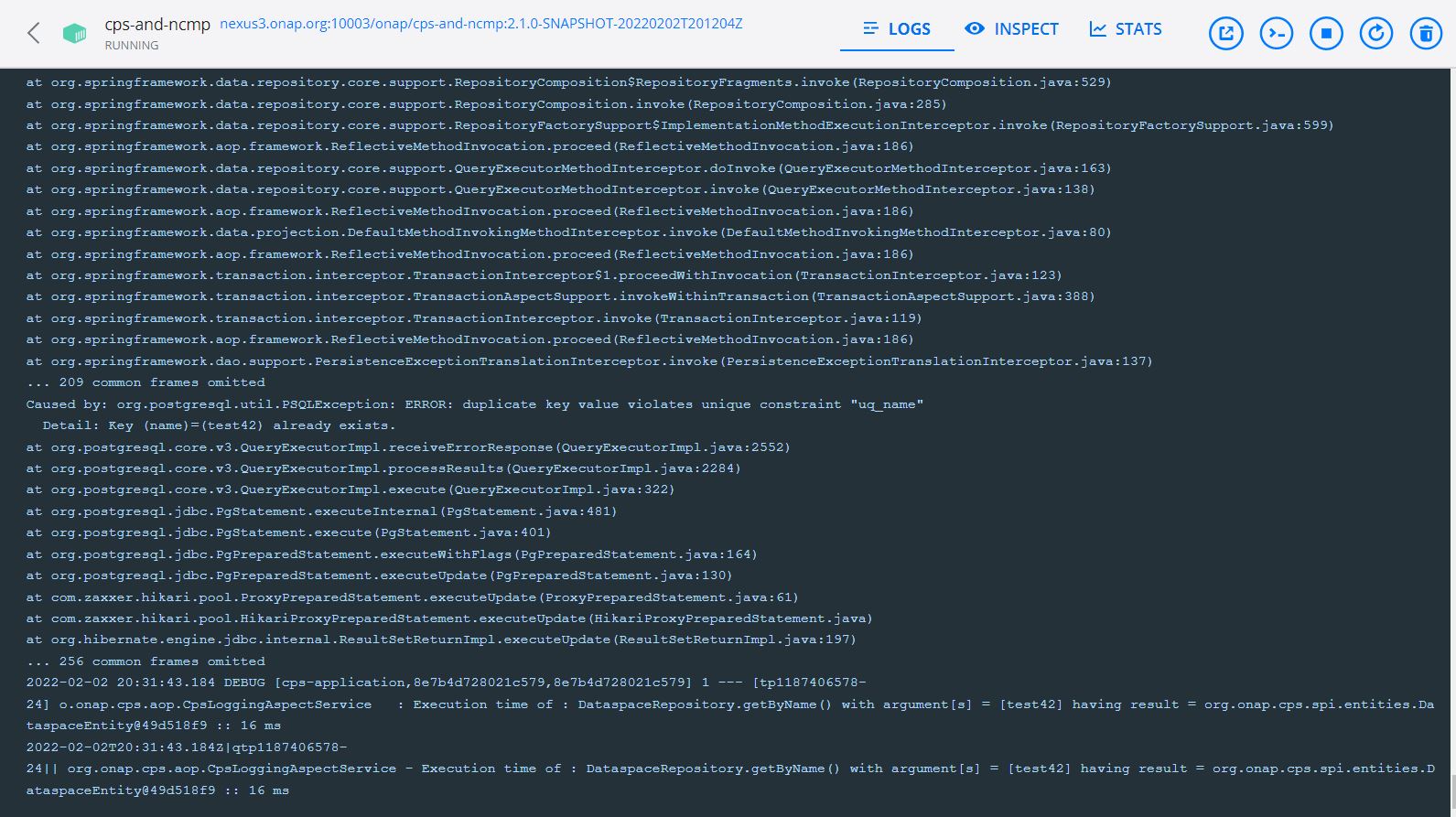
Measure Execution Time of CPS Service
Note
Make sure effective log level of “logging.level.org.onap.cps” is ‘DEBUG’. This can be verified by executing curl command 3.
Execute CPS service that you want to calculate total elapsed time and log as shown below
2022-01-28 18:39:17.679 DEBUG [cps-application,e17da1571e518c59,e17da1571e518c59] 11128 --- [tp1901272535-29] o.onap.cps.aop.CpsLoggingAspectService   : Execution time of : DataspaceRepository.getByName() with argument[s] = [test42] having result = org.onap.cps.impl.models.DataspaceEntity@68ded236 :: 205 ms

2022-01-28 18:39:17.726 DEBUG [cps-application,e17da1571e518c59,e17da1571e518c59] 11128 --- [tp1901272535-29] o.onap.cps.aop.CpsLoggingAspectService   : Execution time of : AnchorRepository.getByDataspaceAndName() with argument[s] = [org.onap.cps.impl.models.DataspaceEntity@68ded236, bookstore] having result = org.onap.cps.impl.models.AnchorEntity@71c47fb1 :: 46 ms

2022-01-28 18:39:17.768 DEBUG [cps-application,e17da1571e518c59,e17da1571e518c59] 11128 --- [tp1901272535-29] o.onap.cps.aop.CpsLoggingAspectService   : Execution time of : CpsAdminPersistenceServiceImpl.getAnchor() with argument[s] = [test42, bookstore] having result = Anchor(name=bookstore, dataspaceName=test42, schemaSetName=bookstore) :: 299 ms

2022-01-28 18:39:17.768 DEBUG [cps-application,e17da1571e518c59,e17da1571e518c59] 11128 --- [tp1901272535-29] o.onap.cps.aop.CpsLoggingAspectService   : Execution time of : CpsAdminServiceImpl.getAnchor() with argument[s] = [test42, bookstore] having result = Anchor(name=bookstore, dataspaceName=test42, schemaSetName=bookstore) :: 305 ms

2022-01-28 18:39:17.843 DEBUG [cps-application,e17da1571e518c59,e17da1571e518c59] 11128 --- [tp1901272535-29] o.onap.cps.aop.CpsLoggingAspectService   : Execution time of : AdminRestController.getAnchor() with argument[s] = [test42, bookstore] having result = <200 OK OK,class AnchorDetails {
 name: bookstore
 dataspaceName: test42
 schemaSetName: bookstore
},[]> :: 419 ms
Warning
Revert logging level of “logging.level.org.onap.cps” to ‘INFO’ again to prevent unnecessary logging and impacts on performance.
Logging & Diagnostics
General Guidelines
CPS-Core logs are sent to STDOUT in order to leverage the Kubernetes logging architecture.
These logs are available using the following command:
kubectl logs <cps-core-pod>
The default configuration for CPS logs is the INFO level.
This architecture also makes all logs ready to be sent to an Elastic-search Log-stash and Kibana (ELK) stack or similar.
Enabling tracing for all executed sql statements is done by changing hibernate loggers log level
Logger configuration is provided as a chart resource :
cps-component-service-name
logback.xml location
cps-core
ncmp-dmi-plugin
Not yet applicable to DMI-Plugin
Monitoring
Once CPS-Core is deployed, information related to the running instance of the application is available
http://<cps-component-service-name>:8080/actuator/info/
Health
Cps-Core health status and state can be checked using the following endpoint. This also includes both the liveliness state and readiness state.
http://<cps-component-service-name>:8080/actuator/health/
Metrics
Below table lists all CPS-NCMP custom metrics
Metric Name |
Description |
|---|---|
cps.ncmp.controller.get |
Time taken to get resource data from datastore |
cm_handle_search_invocation_total |
Search for cm handles within CPS-E-05 interface |
cm_handle_search_invocation_total |
Search for cm handles within CPS-E-05 interface |
cm_handle_search_invocation_total |
Search for cm handle ids within CPS-NCMP-I-01 interface |
cps.ncmp.inventory.controller.update |
Time taken to handle registration request |
cps_ncmp_inventory_cm_handles_by_state{state=ADVISED} |
Current number of cm handles in advised state |
cps_ncmp_inventory_cm_handles_by_state{state=READY} |
Current number of cm handles in ready state |
cps_ncmp_inventory_cm_handles_by_state{state=LOCKED} |
Current number of cm handles in locked state |
cps_ncmp_inventory_cm_handles_by_state{state=DELETING} |
Current number of cm handles in deleting state |
cps_ncmp_inventory_cm_handles_by_state{state=DELETED} |
Number of cm handles that have been deleted since the application started |
cps.ncmp.dmi.get |
Time taken to fetch the resource data from operational data store for given cm handle |
cps.ncmp.inventory.persistence.datanode.get |
Time taken to get a data node (from ncmp dmi registry) |
cps.ncmp.inventory.persistence.datanode.get |
Time taken to get a data node (from ncmp dmi registry) |
cps.ncmp.inventory.module.references.from.dmi |
Time taken to get all module references for a cm handle from dmi |
cps.ncmp.inventory.yang.resources.from.dmi |
Time taken to get list of yang resources from dmi |
cps.ncmp.cmhandle.state.update.batch |
Time taken to update a batch of cm handle states |
cps.ncmp.cm.notifications.consume.and.forward |
Time taken to forward CM AVC events |
cps.data.update.events.send |
Time taken to send Data Update event |
cps.yang.text.schema.source.set.build |
Time taken to build a yang text schema source set |
cps.yang.schema.source.set.build |
Time taken to build a ODL yang Model |
cps.utils.yang.parser.node.data.with.parent.parse |
Time taken to parse node data with a parent |
cps.utils.yang.parser.node.data.with.parent.with.yangResourceMap.parse |
Time taken to parse node data with a parent |
cps.delta.service.get.delta |
Time taken to get delta between anchors |
cps.delta.service.get.delta |
Time taken to get delta between anchor and a payload |
cps.data.service.datanode.query |
Time taken to query data nodes |
cps.data.service.datanode.query |
Time taken to query data nodes with a limit on results |
cps.data.service.datanode.root.save |
Time taken to save a root data node |
cps.data.service.datanode.child.save |
Time taken to save a child data node |
cps.data.service.list.element.save |
Time taken to save list elements |
cps.data.service.datanode.get |
Time taken to get data nodes for an xpath |
cps.data.service.datanode.batch.get |
Time taken to get a batch of data nodes |
cps.data.service.datanode.leaves.update |
Time taken to update a batch of leaf data nodes |
cps.data.service.datanode.leaves.descendants.leaves.update |
Time taken to update data node leaves and existing descendants leaves |
cps.data.service.datanode.descendants.update |
Time taken to update a data node and descendants |
cps.data.service.datanode.descendants.batch.update |
Time taken to update a batch of data nodes and descendants |
cps.data.service.list.update |
Time taken to update a list |
cps.data.service.list.batch.update |
Time taken to update a batch of lists |
cps.data.service.datanode.delete |
Time taken to delete a datanode |
cps.data.service.datanode.batch.delete |
Time taken to delete a batch of data nodes |
cps.data.service.datanode.delete.anchor |
Time taken to delete all data nodes for an anchor |
cps.data.service.datanode.delete.anchor.batch |
Time taken to delete all data nodes for multiple anchors |
cps.data.service.list.delete |
Time taken to delete a list or list element |
cps.module.service.schema.create |
Time taken to create (and store) a schema set |
cps.delta.controller.get.delta |
Time taken to get delta between anchors |
cps.delta.controller.get.delta |
Time taken to get delta between anchors |
cps.delta.controller.apply.delta |
Time taken to apply delta report to an anchor |
cps.rest.admin.controller.schema.create |
Time taken to create schema set from controller |
cps.data.controller.datanode.get.v1 |
Time taken to get data node |
cps.data.controller.datanode.get.v2 |
Time taken to get data node |
cps.data.controller.datanode.get.v3 |
Time taken to get data node |
cps.data.controller.datanode.query.v1 |
Time taken to query data nodes |
cps.data.controller.datanode.query.v2 |
Time taken to query data nodes |
cps.data.controller.datanode.query.across.anchors |
Time taken to query data nodes across anchors |
cps.data.persistence.service.datanode.query |
Time taken to query data nodes |
cps.data.persistence.service.datanode.query.anchors |
Time taken to query data nodes across all anchors or list of anchors |
cps.data.persistence.service.datanode.get |
Time taken to get a data node |
cps.data.persistence.service.datanode.batch.get |
Time taken to get data nodes |
cps.module.persistence.schema.create |
Time taken to store a schema set (list of module references) |
cps.module.persistence.schema.createFromNewAndExistingModules |
Time taken to store a schema set (from new and existing) |
Prometheus Metrics can be checked at the following endpoint
http://<cps-component-service-name>:8080/actuator/prometheus
Heap Dump and Thread Dump
On demand heap dump and thread dump generation using the below endpoints.
http://<cps-component-service-name>:8080/actuator/heapdump
http://<cps-component-service-name>:8080/actuator/threaddump
Naming Validation
As part of the Kohn 3.1.0 release, CPS has added validation to the names of the following components:
Dataspace names
Anchor names
CM Handle identifiers
The following characters along with spaces are no longer valid for naming of these components.
!"#$%&'()*+,./\:;<=>?@[]^`{|}~